Error State Illustrations: How to Make Broken Product Moments Feel Helpful
A practical guide to designing error state illustrations that calm users, explain what happened, and guide recovery without making failures feel cute.
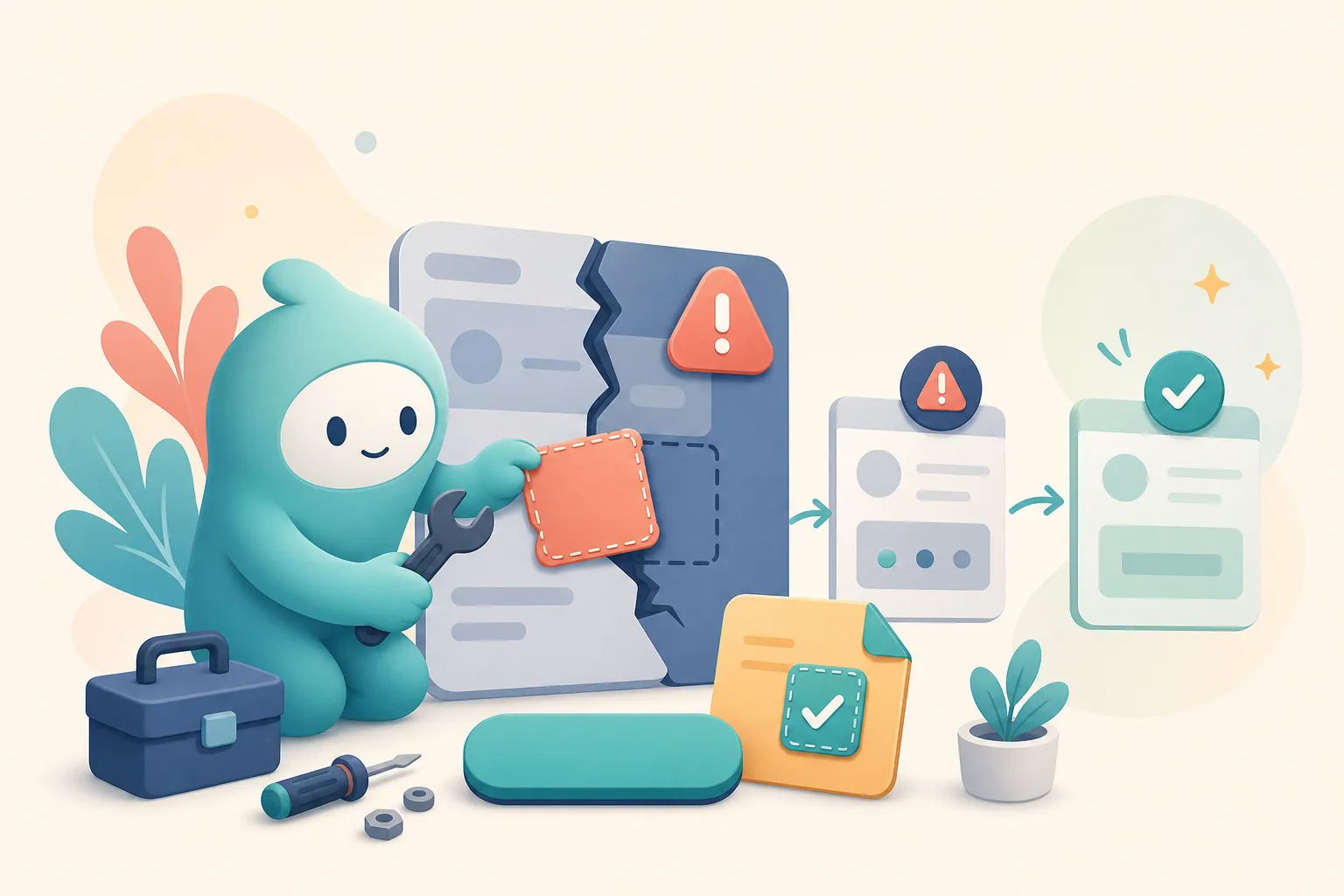
Error states are not decoration opportunities. They are recovery moments.
When something breaks, the user is already spending extra attention. A good illustration can reduce anxiety, but a bad one can make the product feel unserious or evasive.
The goal of an error state illustration is simple: make the moment feel understandable, calm, and fixable.
The Job of an Error Illustration
An error illustration should do one of three things:
- Signal the type of problem — missing file, failed connection, permission issue, offline state.
- Reduce emotional tension — make the screen feel less hostile.
- Point toward recovery — retry, reconnect, contact support, go back, restore, reload.
If the image does none of those, remove it.
Example: Friendly, But Clearly Broken

Source: Erreur 404 illustration by David Revoy, CC BY 4.0.

This works as an error illustration because it is expressive without pretending the failure is fun. The scene communicates “something is wrong” immediately, but the mood is approachable rather than alarming.
That balance is what product teams should aim for.
Match the Illustration to Error Severity
Not all errors deserve the same visual treatment.
Low Severity
Examples: no search results, empty upload, optional integration not connected.
Use a light, friendly illustration. A mascot can be curious, looking around, or gently pointing to the next action.
Medium Severity
Examples: failed save, failed payment attempt, broken import, timed-out request.
Use calm concern. The illustration should acknowledge friction, not joke about it. Add a clear retry or fix path.
High Severity
Examples: data loss risk, security issue, account lockout, billing suspension.
Use minimal illustration or none. Prioritize direct copy, support paths, and trust. A cartoon mascot can feel disrespectful here.
The Anatomy of a Helpful Error State
A strong error state has four parts:
1. Plain-Language Title
Bad: Something went wrong
Better: We could not save your changes
The title should say what failed.
2. Specific Explanation
Tell the user whether the issue is temporary, local, permission-related, or unknown.
3. Recovery Action
One primary action is best:
- Retry upload
- Reconnect integration
- Restore draft
- Contact support
- Go back to dashboard
4. Supporting Illustration
The image should reinforce the message. If the copy says the upload failed, the illustration might show a dropped file, a toolbox, or a mascot repairing a small screen.
Mascot Poses That Work for Errors
Good error-state mascot poses:
- holding tools
- examining a broken object
- pointing toward a retry action
- looking concerned but calm
- carrying a warning sign
- searching with a magnifying glass
Risky poses:
- laughing
- crying dramatically
- celebrating
- sleeping
- shrugging
- looking guilty
The user does not need your mascot to be theatrical. They need help.
Create product illustrations for recovery moments
Generate consistent SVG mascots and error-state illustrations that match your brand without making failures feel flippant.
Create Error IllustrationsError State Copy and Illustration Should Agree
If the illustration is playful and the copy is serious, the state feels confused. If the copy is vague and the illustration is specific, the user still does not know what to do.
Pair them deliberately:
- Offline state: mascot with unplugged cable +
You're offline. We'll retry when your connection returns. - Failed upload: mascot holding a broken file +
The upload stopped before it finished. - No access: mascot at locked door +
Ask an admin for access to this workspace. - 404 page: mascot with map +
We couldn't find this page.
Design Rules for Error Illustrations
Keep error illustrations:
- smaller than the headline and action
- visually calm
- consistent with the product’s mascot system
- accessible in light and dark contexts
- free of tiny details that disappear on mobile
- emotionally appropriate for the severity
Do not use the illustration to hide a lack of explanation.
When Not to Use an Illustration
Skip the illustration when:
- the issue is security-sensitive
- the user may have lost money or data
- the page needs urgent action
- the error is inside a dense workflow
- the illustration pushes the CTA below the fold
Good product design sometimes means restraint.
The Best Error Illustration Is a Promise
A good error-state illustration says: this is broken, but you are not stuck.
That is the emotional job. The mascot or visual system should make the product feel accountable and helpful, not cute for its own sake.
When in doubt, design the recovery first. Then add the illustration that supports it.