Free SVG Mascots for Apps and Websites: A Practical Selection Guide
A practical guide to choosing free SVG mascots for onboarding, empty states, docs, and product UI without creating visual chaos.
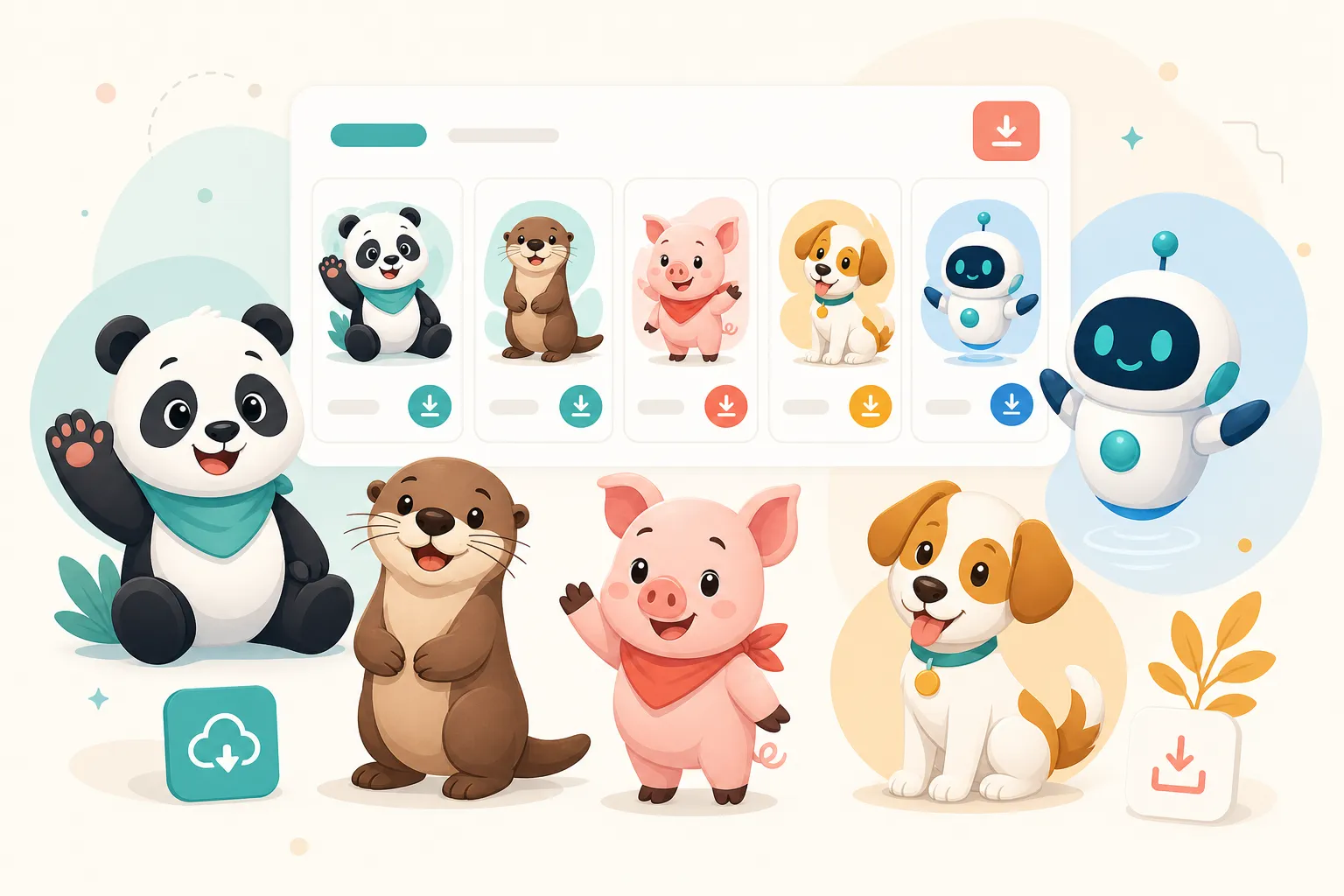
A free SVG mascot can make a product feel warmer in five minutes. It can also make a serious app look like a weekend side project if the character does not fit the system around it.
That is the trap with free illustration libraries. The asset may be technically free, but the design debt is not. If every empty state, onboarding card, and release note uses a different character style, users feel the inconsistency even if they cannot name it.
This guide is for teams that want the upside of free SVG mascots without the usual mismatch: random poses, clashing colors, unclear licenses, and illustrations that look cute once but fail across a real product.
Start With the Product Moment, Not the Mascot
The worst way to choose a mascot is to browse until something looks charming. The better way is to list the product moments where a character would actually help.
For most apps, those moments are:
- first-run onboarding
- empty states
- successful completion
- errors and failed actions
- loading or waiting states
- documentation and help-center explainers
- upgrade or pricing nudges
- release notes and changelog posts
Each moment asks for a different emotional signal. A welcome screen needs warmth. An error state needs calm. A success state needs energy. Documentation needs clarity more than cuteness.
A mascot library becomes useful when it has enough poses to cover those emotional states without changing the character every time.
The Five Checks Before You Use a Free SVG Mascot
1. Does the License Match Your Use Case?
Free does not always mean unrestricted. Look for clear licensing on the asset page, ideally MIT, CC0, public domain, or a permissive Creative Commons license.
If the asset requires attribution, decide whether you can provide it in a footer, credits page, docs page, or source-code comment. If the license is unclear, do not use it in a commercial product.
2. Is the Character Available in Multiple Poses?
One mascot pose is a decoration. A set of poses is a system.
Before you download anything, check whether the character has expressions or scenes for:
- waving or greeting
- thinking or explaining
- celebrating
- confused or blocked
- fixing or helping
- reading, researching, or pointing
If the mascot only exists in one pose, you will either overuse it or replace it with unrelated art later.
3. Can You Recolor It Without Breaking the Style?
A good SVG mascot should survive light brand customization. You should be able to adjust accent colors, background shapes, or small clothing/accessory colors without redesigning the whole character.
Watch out for assets with dozens of tiny gradients, embedded raster textures, or complex masks. They may look nice in isolation but become painful in code, Figma, or a design system.
4. Does It Work at Small Sizes?
Many mascots look great at 800 pixels wide and fall apart at 120 pixels.
Test the mascot in realistic placements:
- an empty-state card
- a mobile onboarding screen
- a small docs callout
- a changelog thumbnail
If the eyes, hands, or main silhouette disappear, the asset is not product-ready.
5. Does It Match the Seriousness of the Moment?
Mascots can make products feel human, but tone matters. A goofy character is great for a celebratory moment and terrible for a security warning. A sleepy character can soften an empty state and undermine a payment failure.
The question is not “is this cute?” The question is “does this emotion match what the user is feeling right now?”
Example: Why Simple Mascot Shapes Last
Source: Owl with book by Mimooh, CC BY-SA 3.0.

This owl works because the silhouette is clear: big eyes, book, simple posture. Even before you know the details, you understand the role. It reads as learning, guidance, or documentation.
That is exactly the kind of specificity product teams should look for. The mascot does not need to be complicated. It needs to communicate the job it is doing.
The Best Free Mascot Pages Are Collection Pages
Individual asset pages are useful for downloads, but collection pages are what help teams decide.
A strong free mascot collection should organize assets by use case, not just by character name:
- Onboarding mascots for welcome and setup flows
- Empty-state mascots for no data, no projects, or first-use screens
- Error-state mascots for failed actions and recovery
- Success mascots for confirmations and milestones
- Developer mascots for docs, debugging, and changelogs
This is why a library page should answer questions like “which mascot should I use for a failed deployment?” rather than only “what files are available?”
How to Add a Mascot Without Making Your Product Look Messy
Pick one character family first. Then define rules:
- Use the same character across related product moments.
- Limit color changes to brand accents.
- Keep background shapes consistent.
- Use calm poses for friction and energetic poses for wins.
- Document where each pose belongs.
A tiny “mascot usage” note in your design system is enough. It might say:
Use Pandi for onboarding, empty states, and helpful tips. Use calm poses for errors. Do not mix Pandi with unrelated illustration styles in the same flow.
That one paragraph prevents months of visual drift.
Build a mascot library that feels consistent
Browse SVG mascot collections with reusable poses for onboarding, empty states, success moments, docs, and product UI.
Explore MascotsA Practical Download Checklist
Before adding any free SVG mascot to your product, check:
- License is clear and compatible with your use.
- SVG code is reasonably clean.
- The mascot has more than one pose.
- The style works in light and dark contexts.
- The character can be recolored or framed with your brand palette.
- The pose matches a real product moment.
- Attribution requirements are easy to satisfy.
If the asset fails more than two of those checks, skip it. There are plenty of cute assets online. Product-ready mascot systems are rarer.
The Opportunity for Small Teams
Big companies commission custom illustration systems. Small teams can still compete if they choose consistent assets and use them deliberately.
A free SVG mascot library gives you a head start. The advantage comes from treating it like a system instead of a sticker pack.
Start with one character. Pick five product moments. Document the rules. Then expand only when the product actually needs more emotional range.
That is how a free mascot becomes part of your brand instead of just another decorative download.