svgapp vs Lottie: Mascot Generation and Animation Workflows Compared
Understand when to use svgapp for mascot creation and when Lottie-style animation belongs in your production workflow.
Quick Answer
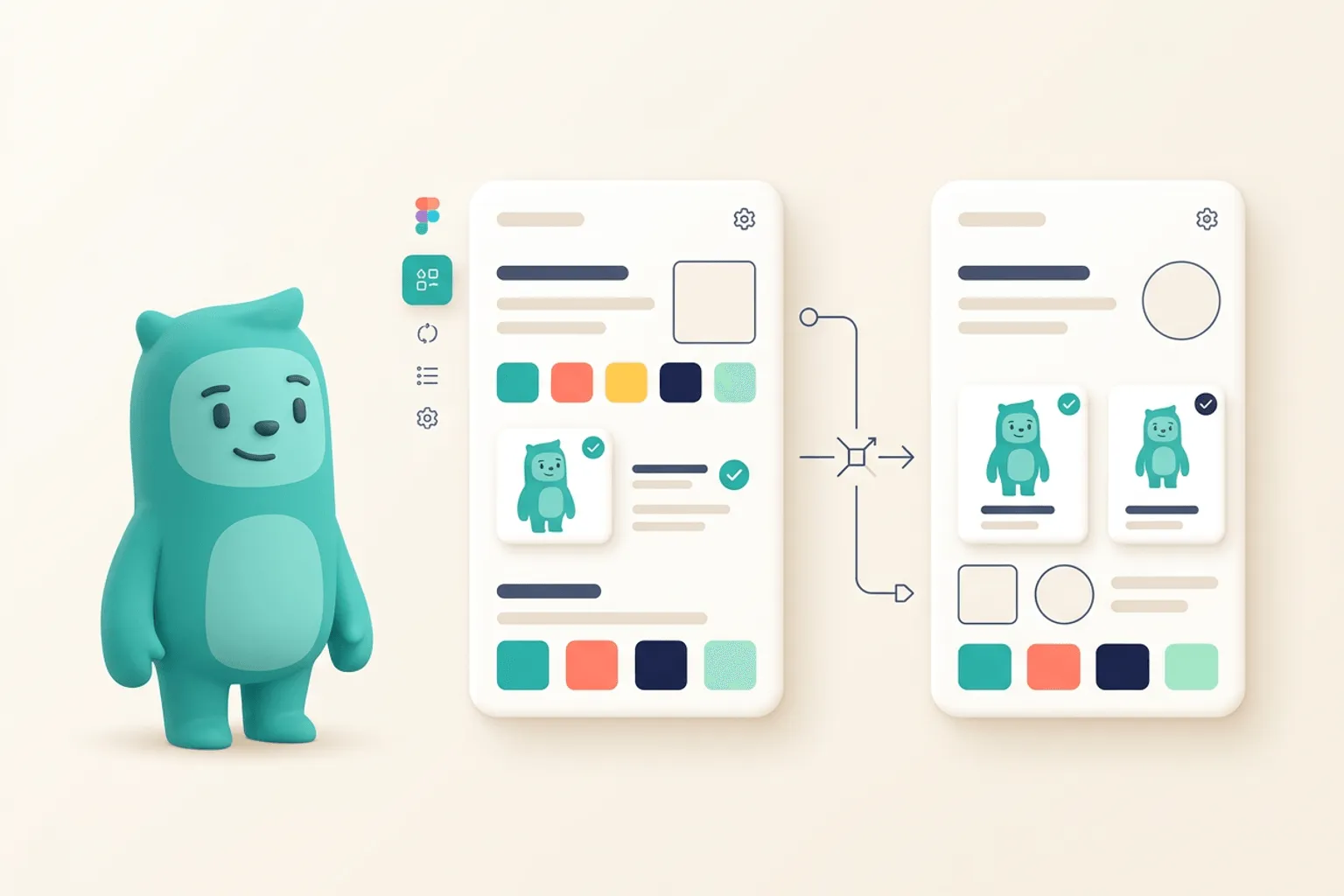
Core idea: svgapp helps create the mascot and pose system; Lottie helps deliver lightweight animation from prepared motion files.
- svgapp is for generating consistent mascot characters and static SVG poses.
- Lottie is for shipping vector animations after the motion design exists.
- Use svgapp upstream, then animate selected poses if motion is needed.
Different jobs in the creative pipeline
svgapp and Lottie solve different problems. svgapp helps you create the character assets: the mascot direction, pose variations, transparent SVGs, and product-ready visuals. Lottie is a delivery format and workflow for vector animation.
Comparing them directly can be misleading. The practical question is whether you need to create the mascot, animate it, or both.
If you want to learn more about svgapp vs Lottie, read How to Animate a Mascot Without Losing Brand Consistency next. Transparent SVG Mascots: File Formats, Exports, and Clean Product Placement is also useful when you are mapping the same mascot system across product and marketing.
When svgapp is the better starting point
Start with svgapp when you do not yet have a mascot or when you need more consistent poses. Product teams usually need static assets first: onboarding, empty states, feature callouts, docs, and social graphics. Those can later become animation sources.
This keeps the character consistent before motion enters the workflow.
If you want to learn more about applying this idea in a real product workflow, svgapp vs Rive: Character Creation and Interactive Motion Compared is a practical next step.
When Lottie makes sense
Use Lottie when you already have motion design and need to render it efficiently on the web or in an app. It is especially useful for small loops, transitions, success moments, and lightweight animated illustrations.
A strong workflow is svgapp for mascot generation, motion design for animation, and Lottie for delivery.
Implementation Checklist
Use this checklist before publishing the mascot assets. It keeps the character useful across the product instead of turning it into a one-page illustration.
- Use svgapp to create the mascot system.
- Use Lottie when you have animation to deliver.
- Keep source character shapes simple for future motion.
- Avoid animating inconsistent one-off mascot images.
How to Think About svgapp Versus Lottie
This longer-form guide is for teams comparing mascot asset creation with animation delivery formats. The goal is to understand that svgapp creates the character system while Lottie delivers motion. Lottie is not a mascot generator. It is a way to ship lightweight vector animation. Teams still need a consistent character and source poses before Lottie becomes useful.
The practical question is not whether the mascot is cute. The practical question is whether it helps people understand, remember, or complete something that matters. A strong mascot system should make the next asset easier to create, not harder.
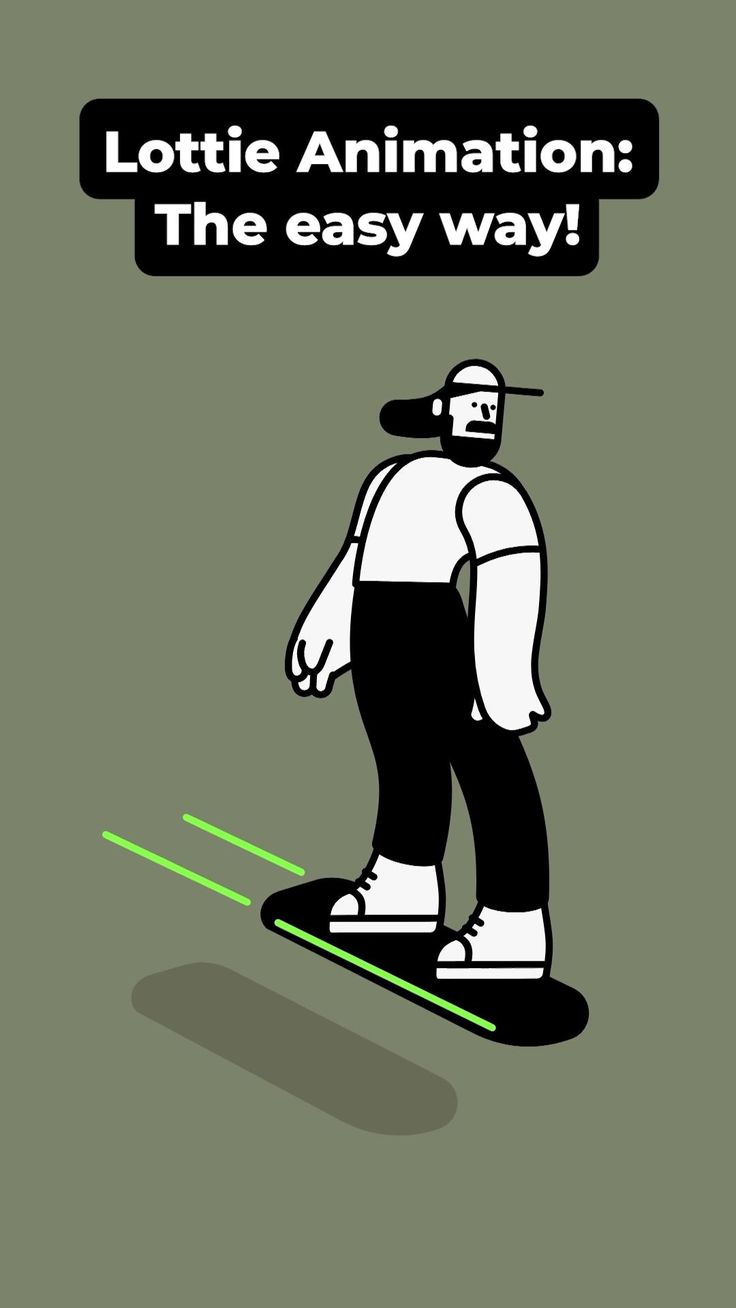
Lottie Animation: The easy way on Pinterest. The Lottie reference helps separate character design from motion delivery.
Build the System Before You Polish the Moment
Use svgapp before Lottie
Create the mascot, pose library, and transparent source assets first. Once the character is stable, decide which poses deserve motion and which can stay static.
Use Lottie for lightweight motion
Lottie is useful for onboarding loops, success celebrations, loading states, and subtle product motion. It works best when the animation is simple and the source artwork is clean.
Avoid animating everything
Static SVGs are often better for docs, empty states, and quiet product screens. Reserve Lottie for moments where motion helps communicate progress, delight, or state change.
What to Notice in the Pinterest Reference
Use Pinterest as a research board, not as a source to copy. The goal is to notice the design decisions that make a character usable across contexts, then translate those decisions into your own brand system.
- Notice how the animation concept depends on a clear character shape.
- Ask whether the same message could work as a static pose.
- Look for loops that are simple enough for product UI.
Common Mistakes to Avoid
- Choosing Lottie before designing the mascot system.
- Animating complex scenes that hurt performance.
- Using motion where a clear static pose would be calmer.
Production Checklist
- Create static source poses first.
- Pick one motion job per animation.
- Keep product loops lightweight.
- Test on mobile and slow networks.
How to Measure Whether It Worked
Treat the mascot like a product asset. Once it ships, review whether it improves clarity, recognition, speed, or reuse. The most useful metrics for this article are:
- Animation file size
- Impact on page performance
- Completion rate of motion-supported flows
- Number of static poses that do not need animation
Create mascot poses that can become motion
Generate consistent SVG character assets first, then animate the moments that deserve motion.
Create Your Mascot