How to Animate a Mascot Without Losing Brand Consistency
Plan mascot animation from static SVG poses, motion rules, and export needs before opening an animation tool.
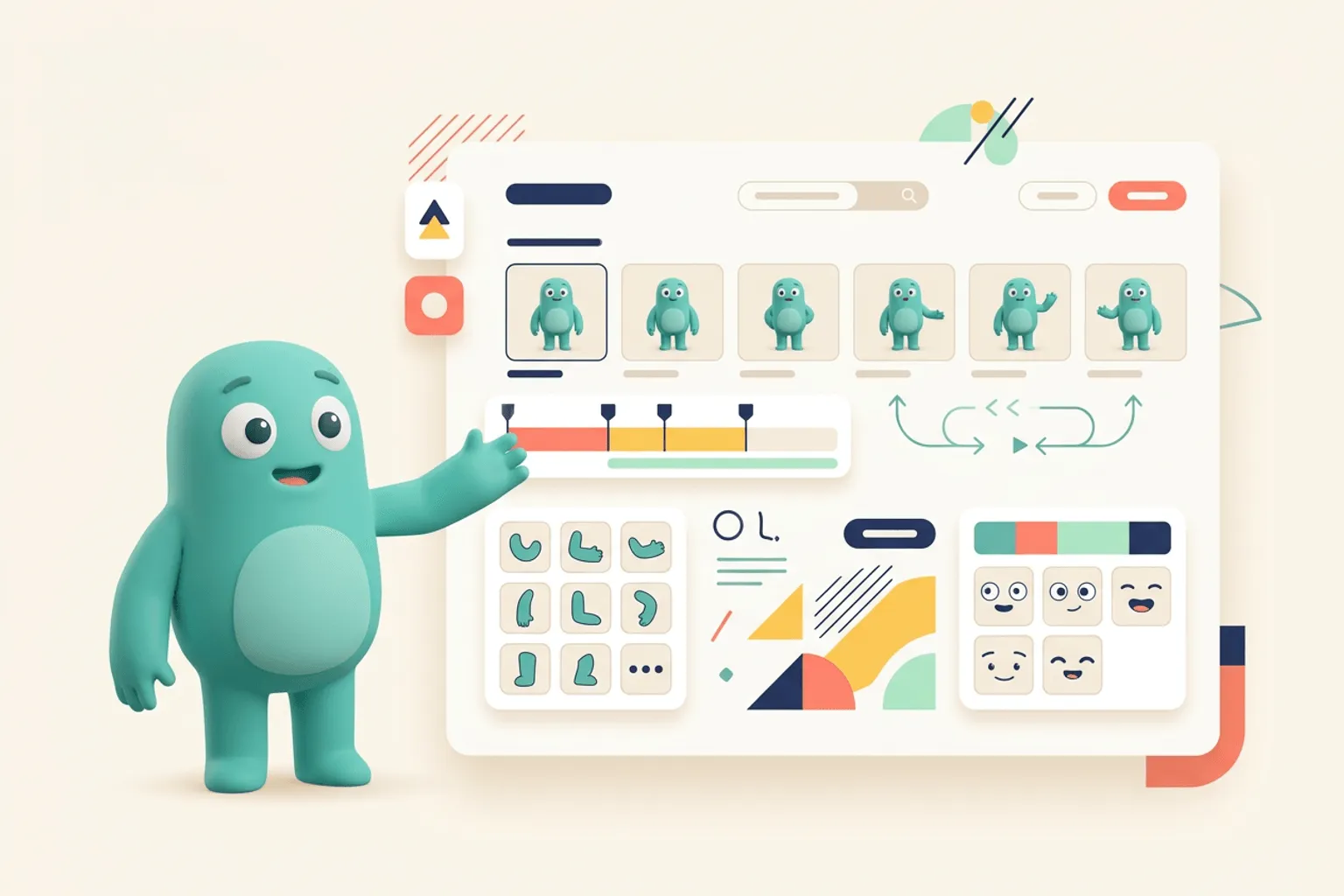
Quick Answer
Core idea: Good mascot animation starts with consistent static poses and simple motion rules, not with complex timelines.
- Create static SVG poses first, then animate only what supports the message.
- Limit motion to a few repeatable behaviors: wave, bounce, point, blink, celebrate.
- Keep animation subtle in product UI and more expressive in marketing surfaces.
Start with motion-ready poses
Animation gets difficult when every pose uses different proportions or detail levels. Before animating, create a set of consistent SVG poses with clear limbs, props, and expressions. The cleaner the source asset, the easier it is to add motion without breaking the character.
A useful motion-ready pack includes a neutral pose, an action pose, a celebration pose, and a recovery pose. Those can become the basis for microinteractions, loading states, and short social loops.
If you want to learn more about animate a mascot, read svgapp vs Lottie: Mascot Generation and Animation Workflows Compared next. svgapp vs Rive: Character Creation and Interactive Motion Compared is also useful when you are mapping the same mascot system across product and marketing.
Write motion rules
Mascot animation should feel like the brand. A calm B2B assistant might blink, nod, and point. A playful consumer app might bounce, spin a prop, or jump. The rules keep animation from becoming random motion that competes with the interface.
Document duration, easing, intensity, and where motion is allowed. Product UI usually needs subtle loops. Launch videos and social posts can carry more energy.
If you want to learn more about applying this idea in a real product workflow, Animated Mascots for Social Media: Planning Loops That Still Look Like Your Brand is a practical next step.
Choose the right output
For websites, lightweight SVG or Lottie-style animation can work well. For social, short transparent videos or GIF alternatives may be easier. For product onboarding, keep assets accessible and avoid motion that delays the user’s task.
svgapp gives you a consistent static asset base. From there, your animation tool can focus on motion instead of redrawing the character.
Implementation Checklist
Use this checklist before publishing the mascot assets. It keeps the character useful across the product instead of turning it into a one-page illustration.
- Create consistent static poses before animating.
- Define allowed motion behaviors and intensity.
- Use subtle loops inside the product.
- Export formats based on destination: web, email, social, or app UI.
How to Think About Animating a Mascot
This longer-form guide is for teams preparing mascot assets for web animation, product UI, and social video. The goal is to choose animation moments that add meaning without making production heavy. Mascot animation works best when the motion has a job. A tiny wave can welcome. A blink can add life. A bounce can celebrate. Too much motion, especially in product UI, can distract from the task.
The practical question is not whether the mascot is cute. The practical question is whether it helps people understand, remember, or complete something that matters. A strong mascot system should make the next asset easier to create, not harder.
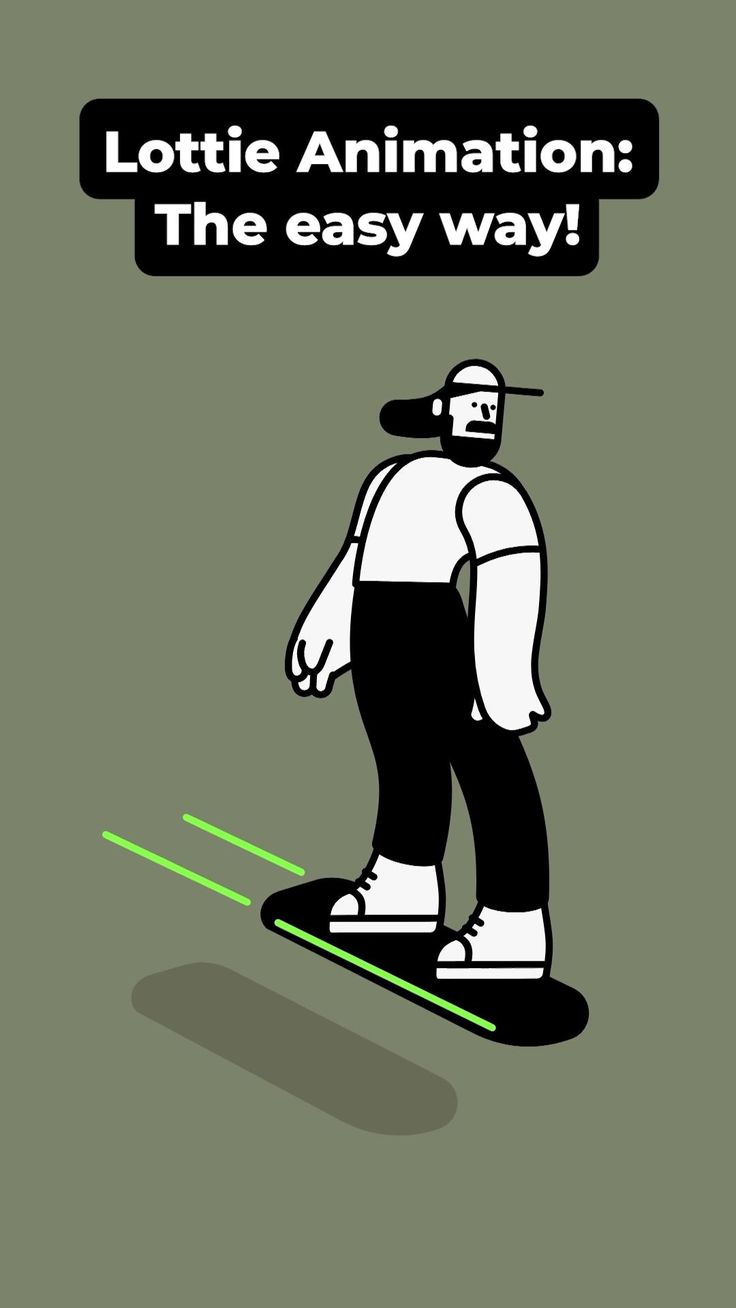
Lottie Animation: The easy way on Pinterest. The animation reference is helpful for thinking about simple character motion that can be reused.
Build the System Before You Polish the Moment
Prepare static poses first
Animation is easier when the character already has stable proportions, clean layers, and a clear pose. Start with still SVG assets for welcome, thinking, success, and error before planning loops.
Pick motion verbs
Name the motion before animating: wave, blink, breathe, point, jump, nod, float, spin, or reveal. Motion verbs keep the animation purposeful and prevent the character from moving simply because it can.
Export for the placement
A product UI loop may need to be tiny, lightweight, and subtle. A social post can use stronger timing and larger motion. A landing page hero can afford more personality, but it still needs to load quickly.
What to Notice in the Pinterest Reference
Use Pinterest as a research board, not as a source to copy. The goal is to notice the design decisions that make a character usable across contexts, then translate those decisions into your own brand system.
- Look for simple loops that communicate a clear state.
- Notice whether the character has clean silhouette changes.
- Study what could be animated without redrawing the entire character.
Common Mistakes to Avoid
- Animating before the mascot design is stable.
- Using the same motion intensity in product UI and social video.
- Exporting heavy files where a static SVG would do the job.
Production Checklist
- Create layered source artwork.
- Define one motion verb per animation.
- Keep product UI loops subtle and short.
- Test exports on slow connections and small screens.
How to Measure Whether It Worked
Treat the mascot like a product asset. Once it ships, review whether it improves clarity, recognition, speed, or reuse. The most useful metrics for this article are:
- File size per animation
- User attention on the intended CTA
- Replay or completion rate on social clips
- Design time for each new motion variant
Start animation with consistent mascot poses
Generate the static SVG character states you need before moving into animation tools.
Create Your Mascot