How to Create a Mascot for Your App
A step-by-step workflow for creating an app mascot, from strategy and prompts to SVG export and product placement.
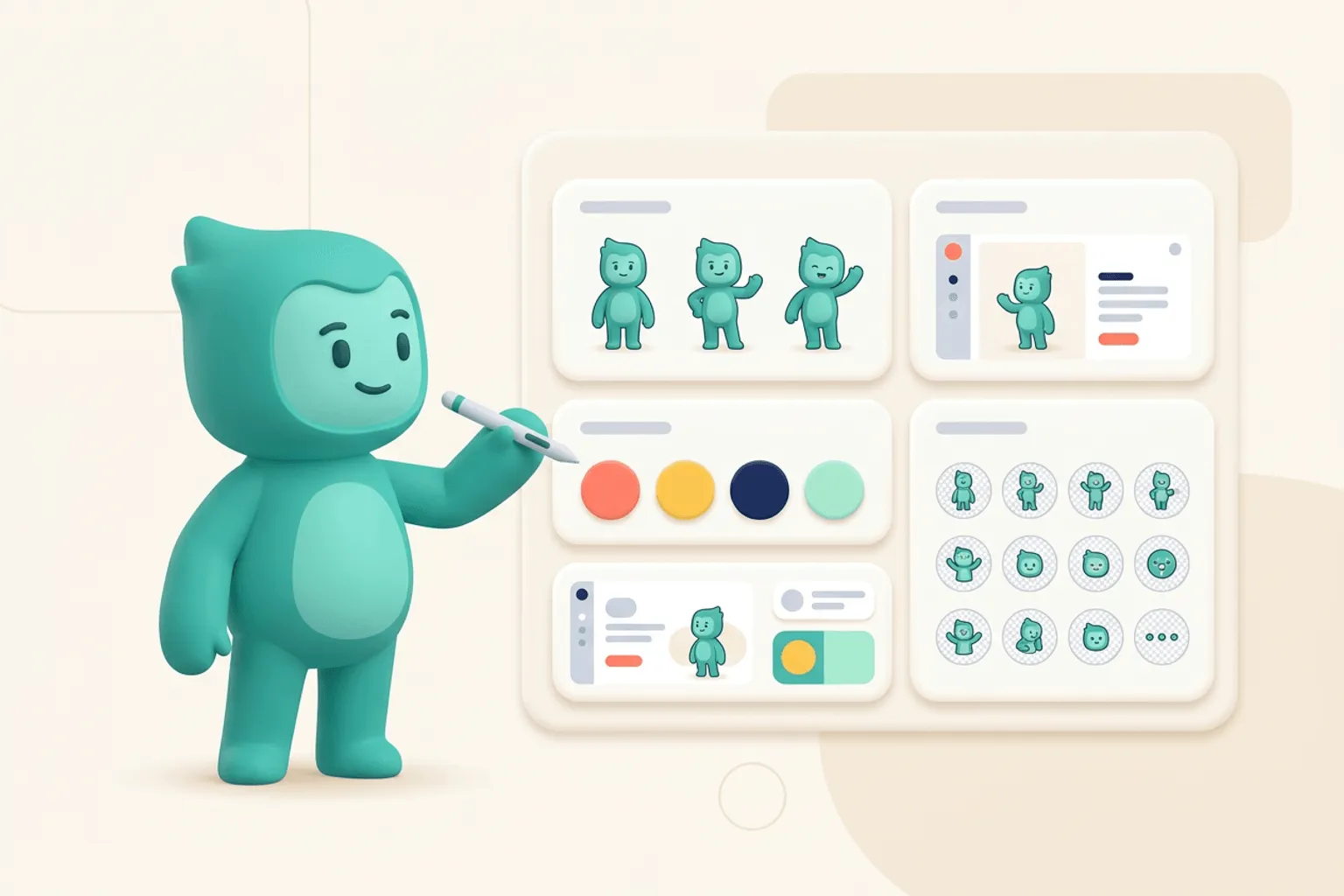
Quick Answer
Core idea: The best app mascots come from a repeatable workflow: define the role, generate the base character, refine style, then create a pose library.
- Define what the mascot should help users understand or feel.
- Generate the base character before making dozens of poses.
- Export in SVG-friendly formats and test the mascot inside real UI screens.
Step 1: write the mascot brief
A mascot brief should be short enough to use but specific enough to guide output. Include the product category, audience, brand adjectives, visual style, colors, and the job of the character. The brief prevents the process from becoming a gallery of unrelated cute ideas.
For example: a friendly SVG panda for a developer tool, calm and helpful, minimal geometry, green accent color, useful in onboarding and empty states. That brief gives the AI and the human reviewer a clear target.
If you want to learn more about how to create a mascot, read AI Mascot Generator Workflow for Brand Characters next. Transparent SVG Mascots: File Formats, Exports, and Clean Product Placement is also useful when you are mapping the same mascot system across product and marketing.
Step 2: create the base character
Start with one full-body mascot. Refine silhouette, palette, face, and proportions before generating variations. If the base character is weak, every pose will multiply that weakness. Look at the mascot at small size, on dark and light backgrounds, and next to your product UI.
svgapp is useful here because you can iterate toward a vector-friendly character rather than a painterly image that becomes hard to reuse.
If you want to learn more about applying this idea in a real product workflow, Where to Place a Mascot in Your App is a practical next step.
Step 3: generate the pose library
Once the base character works, create the poses your product actually needs. Start with welcome, pointing, thinking, celebrating, error recovery, and support. Then add category-specific scenes: coding, designing, shipping, analyzing, inviting, or presenting.
Test each pose in context. A pose that looks charming in isolation may be too large, too detailed, or too emotionally intense for a real interface.
Implementation Checklist
Use this checklist before publishing the mascot assets. It keeps the character useful across the product instead of turning it into a one-page illustration.
- Write a one-paragraph mascot brief.
- Generate and refine one base character first.
- Create six core product poses.
- Export and test assets in actual screens.
How to Think About Creating a Mascot
This longer-form guide is for founders and designers building their first app or brand character. The goal is to move from rough idea to a usable mascot system with fewer false starts. The hardest part of creating a mascot is not making something cute. It is making something specific enough to remember and flexible enough to reuse.
The practical question is not whether the mascot is cute. The practical question is whether it helps people understand, remember, or complete something that matters. A strong mascot system should make the next asset easier to create, not harder.
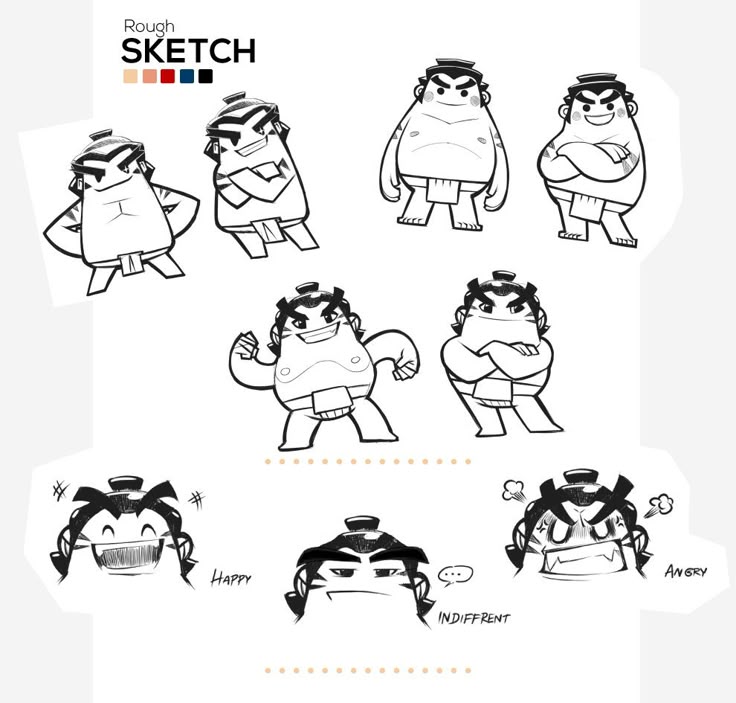
Mascot Design - Alongkorn Sanguansook on Pinterest. The sketch exploration is a good reference for testing expressions before treating a mascot as final.
Build the System Before You Polish the Moment
Write the mascot brief
A good brief names the audience, product category, brand traits, emotional range, places the mascot will appear, and styles to avoid. Without those constraints, every cute option looks plausible and the team debates taste instead of fit.
Design for silhouette
A mascot should be recognizable before color and texture. Test the character as a small black shape, a tiny avatar, and a cropped head. If the silhouette is clear, the mascot has a better chance of surviving real placements.
Build the first usable set
Do not stop at a hero pose. Create a neutral pose, welcome pose, explanation pose, error pose, and celebration pose. Those assets reveal whether the mascot can carry a system.
What to Notice in the Pinterest Reference
Use Pinterest as a research board, not as a source to copy. The goal is to notice the design decisions that make a character usable across contexts, then translate those decisions into your own brand system.
- Study how many options appear before the final character is obvious.
- Look at facial expressions as a system, not a collection of random moods.
- Notice how proportion stays stable across poses.
Common Mistakes to Avoid
- Choosing a mascot only because the first drawing is charming.
- Skipping small-size tests.
- Forgetting to define what the mascot should never express.
Production Checklist
- Write audience, role, and tone constraints.
- Test silhouette and small-size readability.
- Create five reusable poses.
- Save prompt, palette, and reference settings for future assets.
How to Measure Whether It Worked
Treat the mascot like a product asset. Once it ships, review whether it improves clarity, recognition, speed, or reuse. The most useful metrics for this article are:
- Recognition in five-second tests
- Pose consistency across generations
- Usability in product and marketing placements
- Internal confidence during future asset requests
Create your first mascot pack
Start with one character, then generate the poses your app needs for onboarding, empty states, and launch content.
Create Your Mascot