
svgapp MCP로 Codex에서 제품 마스코트 생성하기
Codex를 svgapp MCP 서버에 연결하면 코딩 워크플로에서 바로 재사용 가능한 마스코트, UI 포즈, 투명 배경 에셋, 일러스트를 생성할 수 있습니다.
빠른 답변
Codex에 svgapp을 원격 MCP 서버로 추가하고 https://web.svgapp.ai/mcp을 가리킨 다음, MCP 토큰을 SVGAPP_MCP_TOKEN 환경 변수에 보관하세요. 그러면 Codex가 재사용 가능한 마스코트를 만들고, 특정 컴포넌트에 맞는 일관된 포즈를 생성하며, 비동기 작업을 확인하고, 승인된 에셋을 저장소에 통합할 수 있습니다.
Codex를 svgapp에 연결하기
svgapp 내 Settings → Integrations → MCP에서 토큰을 생성하세요. Codex를 실행하는 셸에서 다음을 입력합니다.
export SVGAPP_MCP_TOKEN="YOUR_SVGAPP_MCP_TOKEN"
codex mcp add svgapp \
  --url https://web.svgapp.ai/mcp \
  --bearer-token-env-var SVGAPP_MCP_TOKEN
서버를 ~/.codex/config.toml에 직접 추가할 수도 있습니다.
[mcp_servers.svgapp]
url = "https://web.svgapp.ai/mcp"
bearer_token_env_var = "SVGAPP_MCP_TOKEN"
Codex를 실행하는 프로세스에서 환경 변수를 사용할 수 있도록 유지하세요. 저장소나 svgapp.conf.json에 토큰을 넣지 마세요.
실시간 엔드포인트는 Streamable HTTP를 통해 MCP 요청을 받습니다. 브라우저에서 열면 브라우저가 GET을 전송하므로 405 Method Not Allowed이 표시되지만, Codex는 인증된 POST 요청을 전송합니다.
Codex에 안전한 첫 작업 맡기기
생성부터 시작하기보다는 탐색과 계획부터 진행하세요:
Use the svgapp MCP for this repository.

Check the project root for svgapp.conf.json. Read it when valid; otherwise call
init_svgapp_config and save the result. Never write credentials to that file.

Inspect the frontend and identify three screens where a mascot would clarify an
action or state. Summarize the current palette and visual style. Propose a mascot
role and asset plan, but do not generate or edit files yet.
이렇게 하면 캐릭터의 역할과 배치를 승인하는 동안 Codex의 초기 diff를 비워 둘 수 있습니다.
재사용 가능한 마스코트 만들기
계획을 승인한 후 다음과 같이 진행하세요:
Read svgapp.conf.json. If it lacks a suitable colorPaletteId, call
create_color_palette using the application's real design tokens and merge the
returned configPatch.

Call create_mascot for a reusable product character that fits this codebase's UI.
Use a simple silhouette, no text or third-party logos, and enough clear space for
small interface placements.

Merge configPatch.activeMascotId into svgapp.conf.json. Poll
get_generation_status until completed. Return the stable URL and wait for review;
do not edit UI code yet.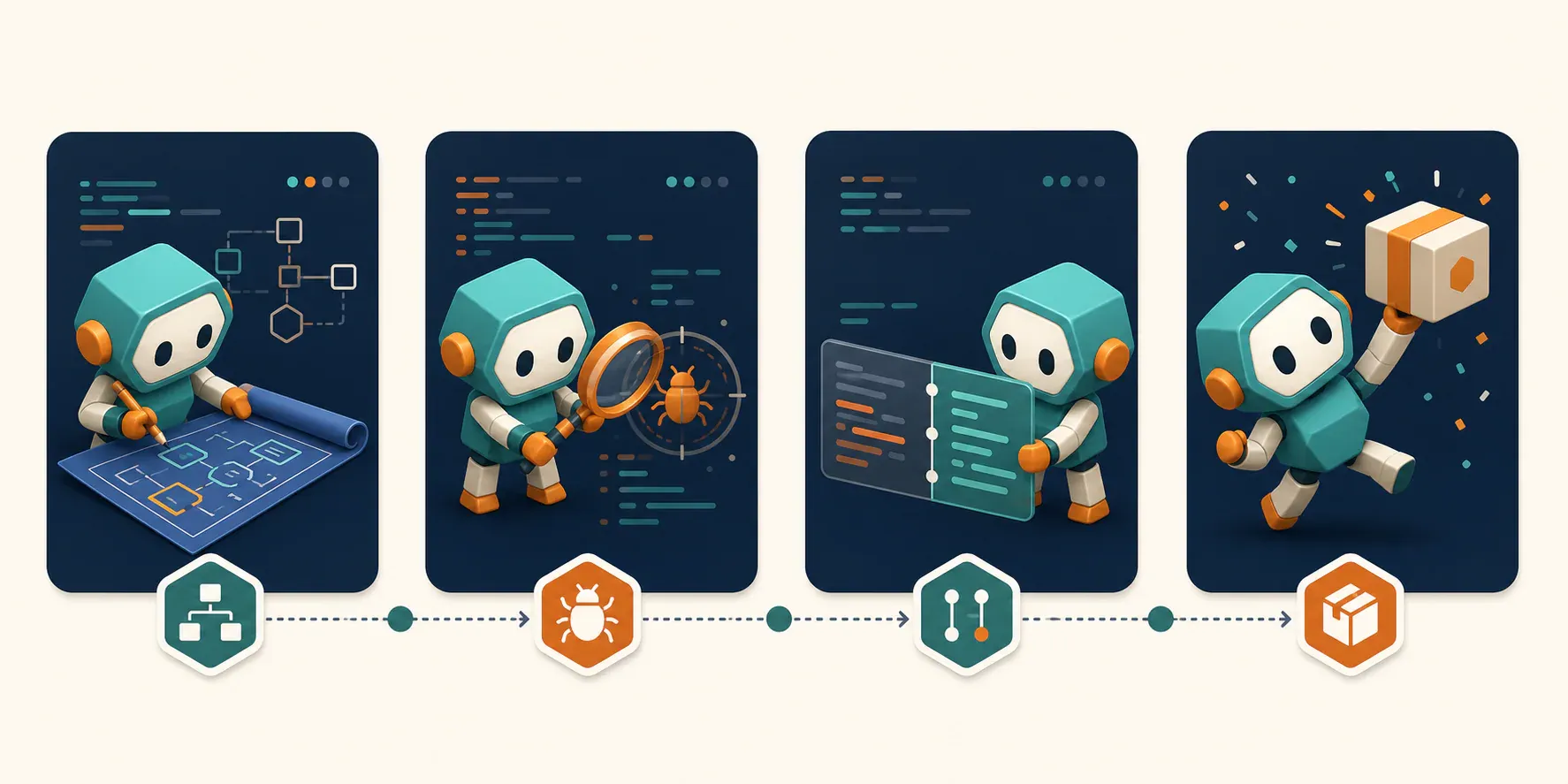
실제 컴포넌트를 기준으로 에셋 생성하기
기본 캐릭터가 승인되면 포즈를 생성하기 전에 Codex가 컴포넌트를 검토하도록 하세요:
Review the empty-state component in this repository. Explain the user goal, the
primary action, the available image dimensions, and whether transparency is needed.

Then read activeMascotId from svgapp.conf.json and call generate_mascot_pose for
that exact state. The pose should guide attention toward the real action without
containing text or recreating the UI.

Poll get_generation_status. If necessary, call remove_image_background and poll
again. Show the completed URL and proposed component diff before editing.
이렇게 하면 Codex가 실제로 확인할 수 있는 레이아웃을 프롬프트에 반영할 수 있어, 일반적인 “happy mascot” 요청보다 더 유용한 에셋을 만들 수 있습니다.
검토 가능한 멀티스크린 워크플로 실행하기
여러 화면을 작업할 때는 Codex에 계획, 생성, 통합을 분리하도록 요청하세요:
Audit onboarding, empty, recoverable error, success, and help surfaces.

Phase 1: return a table of component paths, user needs, pose directions, target
sizes, and transparency requirements. Make no changes.

Phase 2: after approval, generate one pose at a time with activeMascotId and poll
each generation until completed. Show every result.

Phase 3: after asset approval, integrate the stable URLs, preserve accessible text
and controls, run the relevant build/tests, and summarize the changed files.
Codex는 저장소 작업을 처리하고, svgapp은 캐릭터의 일관성과 에셋 생성을 담당할 수 있습니다.
생성 결과 복구 및 시스템 확장하기
작업에서 생성 ID를 잃어버렸다면 list_recent_generations을 사용하세요. 설정에 활성 마스코트가 없으면 list_mascots을 사용하세요. 마스코트를 재사용하지 않는 독립적인 랜딩 페이지 아트에는 generate_composition를 선택하고, 인터페이스가 실제로 모션의 이점을 얻는 경우에만 create_mascot_animation을 사용하세요.
모든 생성 도구는 즉시 안정적인 플레이스홀더 기반 URL을 반환합니다. 작업이 완료될 때까지 get_generation_status을 폴링한 후 다운로드하거나 최종 에셋으로 취급하세요.
문제 해결
Codex에서 서버가 보이지 않음
~/.codex/config.toml의 MCP 항목을 확인하고, 변경한 후 Codex를 다시 시작하세요. 또한 Codex를 실행하는 환경에 SVGAPP_MCP_TOKEN이(가) 있는지 확인하세요.
브라우저에서 엔드포인트가 405를 반환함
GET에서는 정상적인 동작입니다. MCP 서버가 올바른 URL에서 제공되고 있으며, MCP 클라이언트에서 인증된 POST 요청을 받도록 되어 있다는 의미입니다.
포즈가 다른 마스코트처럼 보임
svgapp.conf.json에 승인된 activeMascotId이(가) 포함되어 있는지, Codex가 create_mascot이(가) 아닌 generate_mascot_pose을(를) 호출했는지 확인하세요.
Codex가 플레이스홀더를 다운로드함
생성은 비동기적으로 처리됩니다. 반환된 generationId을(를) 사용해 get_generation_status을(를) 폴링하고, 상태가 completed이(가) 될 때까지 기다리세요.