Doubao AI Mascot Character Design Workflow
A practical workflow for turning Doubao AI mascot character ideas into consistent, SVG-ready brand assets for apps, SaaS products, and websites.
Quick Answer
If the version of Doubao available to you includes image creation, you can use it for early mascot concept exploration. ByteDance’s official Seedream model page documents image generation and editing capabilities, but the models, controls, and access exposed in a particular Doubao product can vary by version and region. Treat the steps below as a tool-neutral workflow rather than a promise about a specific interface.
This is an independent tutorial. svgapp is not affiliated with, endorsed by, or an integration partner of Doubao. The hard part in any image-generation workflow is turning a promising first character into a reliable brand asset that works across product screens, marketing pages, docs, and social posts.
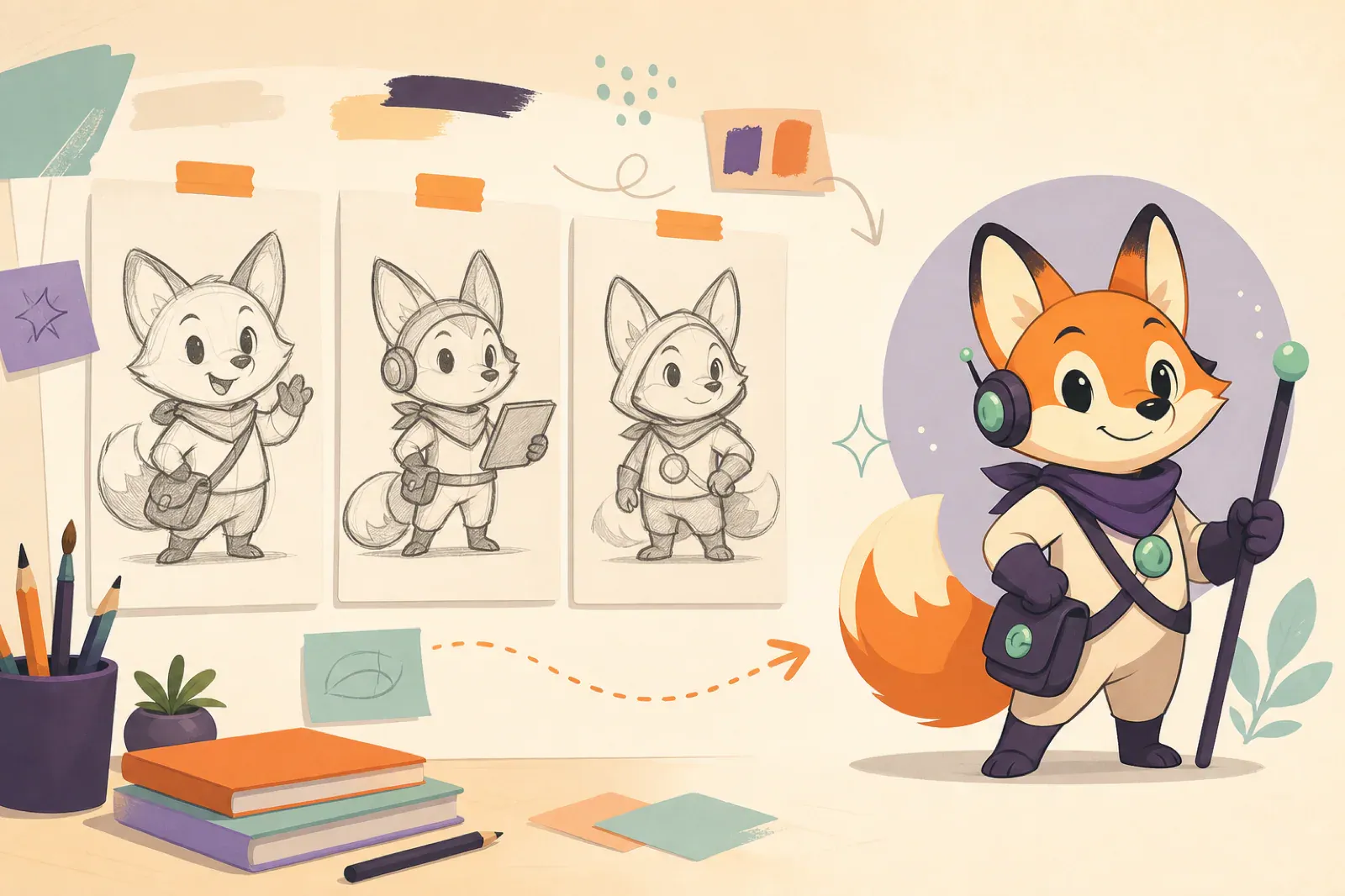
Core idea: Treat Doubao as an exploration step, then lock the mascot into a reusable system with clear identity rules, pose coverage, SVG-friendly styling, and production QA.
- Use an image-capable Doubao workflow, where available, to explore a small number of mascot directions.
- Decide on the character identity before generating many poses.
- Keep the style simple enough for SVG export and small UI placement.
- Move into a focused mascot workflow when consistency matters more than one-off concept art.
If you are comparing tools, read Best AI Mascot Generators for App and SaaS Teams next. If you already have a mascot direction, AI Mascot Generator Workflow for Brand Characters goes deeper on production steps.
What people usually want from Doubao AI mascot design
Most searches around Doubao AI mascot character design are not only about making a cute image. They usually point to a more practical need: a team wants a character that can represent a product, explain a feature, or appear in repeated brand moments.
That changes the brief. A mascot for a real product needs more than a polished render. It needs:
- A stable silhouette.
- A limited color system.
- A recognizable face and proportions.
- Transparent exports.
- Enough poses for onboarding, error states, success moments, help content, and launch graphics.
- A style that still reads at small sizes.
Where image creation is available, Doubao may help you explore the first direction. The production challenge starts after the first image looks good.
Start with a mascot brief, not a long prompt
Before opening any AI image tool, write a short mascot brief. This keeps your prompt focused and gives you a way to reject attractive but unusable concepts.
Use this structure:
Product:
[What the product does]

Audience:
[Who will see the mascot]

Mascot role:
[Guide, helper, expert, companion, teacher, support character]

Personality:
[Calm, clever, technical, warm, energetic, premium]

Visual constraints:
[SVG-friendly, clean shapes, limited palette, transparent background]

Use cases:
[Onboarding, empty state, docs, launch post, pricing page, error page]
For a developer tool, the role might be “a patient technical guide.” For a consumer app, it might be “an upbeat companion that celebrates progress.” For B2B SaaS, it might be “a calm product helper that makes complex workflows feel more approachable.”
That role matters because it changes the body language. A mascot for docs should point, explain, and hold tools. A mascot for launches can wave, celebrate, and carry announcements. A mascot for error states needs confusion without looking broken or careless.
Prompt for directions, then narrow fast
In an image-capable Doubao workflow, ask for a small set of concept directions instead of dozens of random characters. Three clear options are usually enough. If your version does not accept image prompts, the same brief can be used in another concept tool without changing the production method.
Create three mascot character concepts for a SaaS product.

Role:
The mascot is a calm product guide for startup teams. It helps users understand setup, recover from errors, and celebrate finished tasks.

Style:
SVG-friendly, clean vector-like shapes, simple silhouette, limited shading, transparent background, no text, no complex scene.

Brand feel:
Modern, useful, friendly, not childish, suitable for a professional app interface.

Output:
Three distinct character directions with different shapes and personalities.
After the first round, pick one direction. Do not keep mixing the best parts of every output unless you can write those decisions down clearly. A mascot system needs a stable source of truth.
Keep that source of truth in reusable character, personality, style, pose, and output blocks. The Mascot Prompt Guide shows how to separate those blocks so you can change the pose without accidentally redesigning the character.
Lock the character identity
Once one direction works, write an identity lock. This is the reusable description that keeps future poses from drifting.
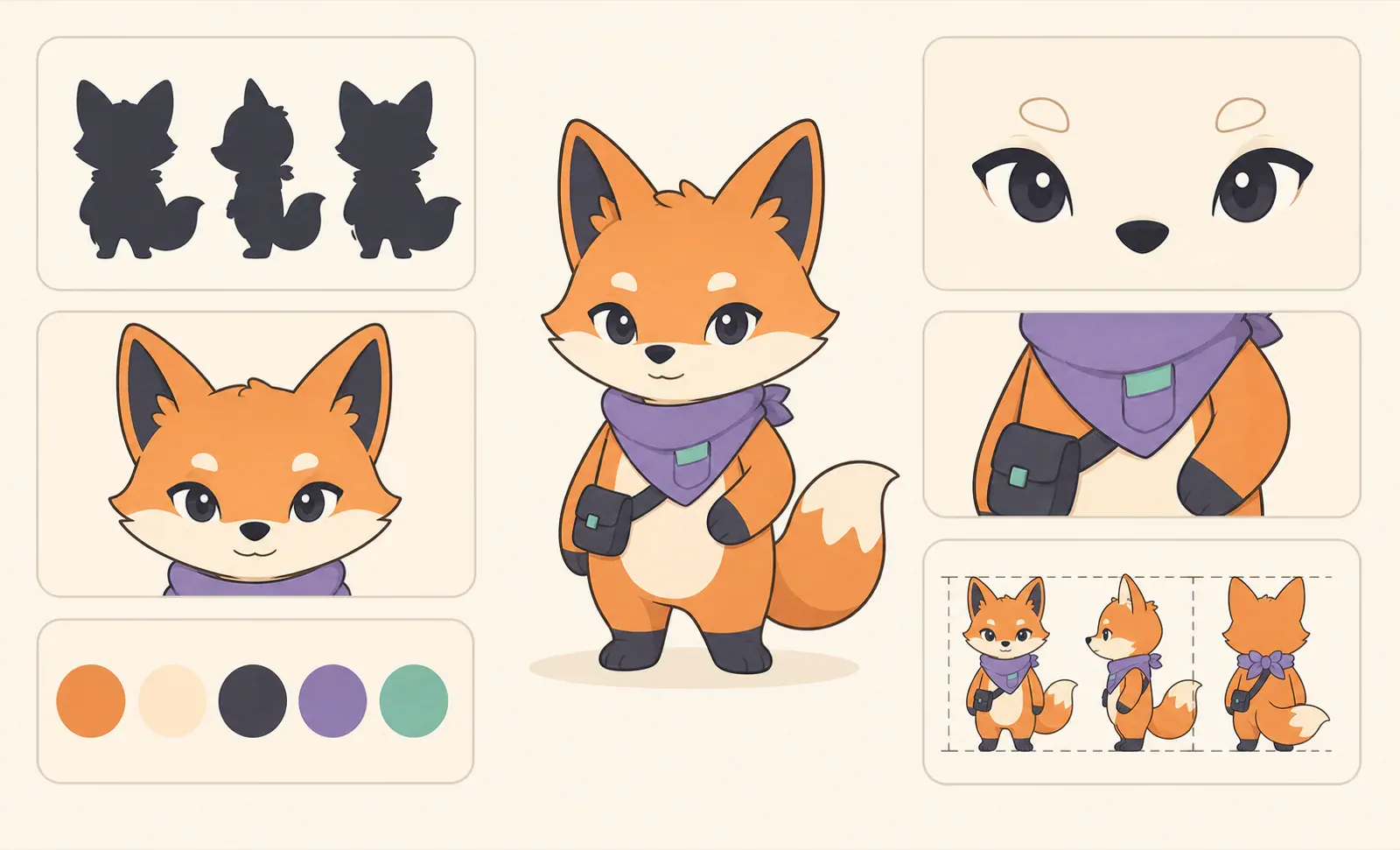
Include:
- Species or object type.
- Body shape and posture.
- Face details.
- Fixed accessories.
- Brand colors.
- Line weight or rendering style.
- What the character must never change.
Example:
A compact owl-like product mascot with a rounded body, small wings, oversized friendly eyes, short feet, and a tiny utility satchel. The mascot uses clean vector-like shapes, navy outlines, white body panels, teal accents, and soft shadow only. It should always have the same eye shape, satchel, proportions, and calm helpful expression. Transparent background. No text.This short identity lock is more useful than a giant prompt because it can be reused in every pose request.
Build a first pose set
A single mascot image is not enough for a product. Start with the five poses that cover the most common product moments.
| Pose | What it is for | Prompt direction |
|---|---|---|
| Welcome | Signup, onboarding, first run | waving, open stance, friendly expression |
| Explain | Docs, feature callouts, tooltips | pointing at an empty space, holding a small pointer |
| Thinking | Loading, analysis, search, planning | looking at notes, magnifying glass, curious expression |
| Success | Completed task, payment, publish, deploy | small celebration, badge, checkmark prop |
| Recovery | Error, empty state, retry | calm confused pose, helpful sign, no panic |
Generate one pose at a time. Large pose sheets often look impressive, but they make it harder to catch drift in the face, proportions, and colors.
Keep the style SVG-ready
If the mascot will live in an app or website, the image should be easy to use beyond one raster export. Ask for SVG-friendly output from the beginning:
- Simple contours.
- Clear separation between limbs and body.
- Limited color palette.
- Minimal texture.
- No tiny props that disappear at small sizes.
- Transparent background.
- No text inside the image.
This is where many generic AI workflows struggle. They can create a beautiful character, but the details may be too painterly, the edges too soft, or the pose too busy for a product UI. Transparent SVG Mascots explains what to check before shipping mascot assets in a real interface.
Where svgapp fits after Doubao exploration
An image-capable Doubao workflow can be a starting point when you are exploring a mascot idea. If the direction is approved and you need a production system, move the written identity lock and approved reference into a workflow built for repeatable character assets.
Use svgapp when you need:
- A reusable mascot rather than one image.
- Consistent poses from the same character.
- SVG-friendly assets for product and marketing.
- Transparent outputs that can sit on different backgrounds.
- A faster path from character direction to usable asset library.
You can also start directly with the free mascot generator if you already know the product role, audience, and style direction.
Quality checklist before publishing
Review every mascot output in context before adding it to your brand system.
- Does the face still match the base character?
- Are the colors consistent with the brand palette?
- Does the pose read at small size?
- Can the asset sit on light and dark UI backgrounds?
- Is the background transparent or easy to remove?
- Are there stray details, fake text, or awkward props?
- Would another team member know when to use this pose?
If a generated asset fails two or more of these checks, fix the character system before generating more poses.
FAQ
Can Doubao AI create a brand mascot?
An image-capable version may help with mascot concept exploration. Official Seedream materials document image generation and editing, but a brand mascot still needs consistent identity rules, repeatable poses, export discipline, and usage guidance. Verify the controls and commercial terms in the product available to you.
What prompt should I use for a Doubao AI mascot?
Start with the product role, audience, visual style, brand colors, and use cases. Avoid asking for a mascot in isolation. Ask for a character that will work in onboarding, empty states, docs, and launch graphics, then adapt the prompt to the controls your version provides.
How do I keep Doubao mascot characters consistent?
Write an identity lock after the first approved concept. Reuse that character description in every pose prompt, generate one pose at a time, and compare each output against the base mascot before accepting it.
When should I use svgapp instead?
Use svgapp when you need the mascot to become a reusable asset library, not just a concept image. It is designed around consistent character poses, SVG-friendly output, and product-ready placement.
Turn one mascot idea into a reusable asset system
Use svgapp to create consistent SVG mascot poses for apps, SaaS products, websites, launch graphics, and support moments.
Create Your Mascot