
Mascots for Vibe Coders: Give Your AI-Built App a Memorable Face
A practical mascot playbook for AI-assisted builders shipping fast prototypes, tools, and micro-SaaS products.
Quick Answer
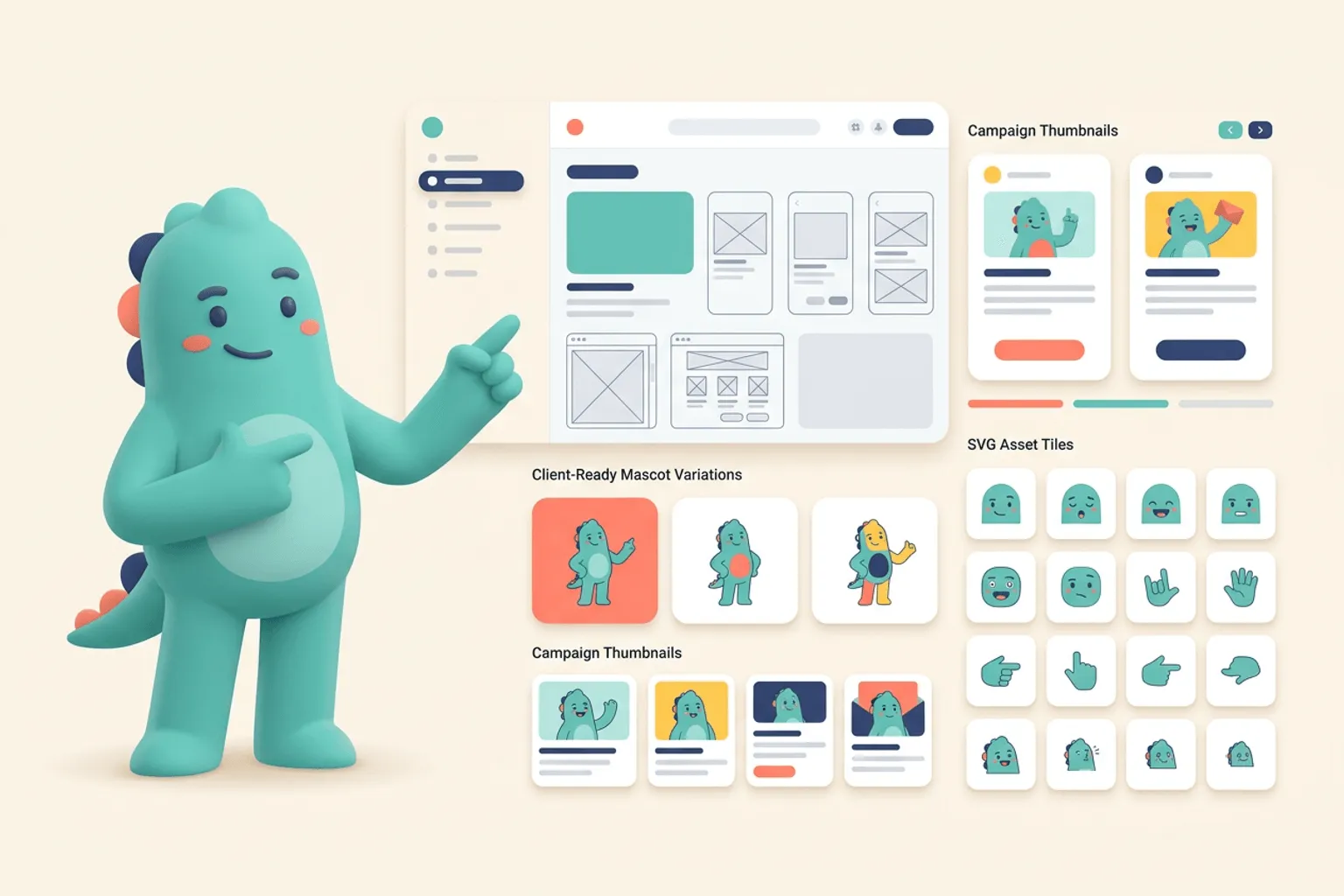
Core idea: A mascot helps vibe-coded products feel intentional, trustworthy, and easier to remember even when the app was built quickly.
- Fast-built apps often look similar; a mascot creates a recognizable brand signal.
- Start with onboarding, empty states, and launch images.
- Use svgapp to create a mascot pack without slowing down the build cycle.
Why vibe-coded apps need brand shortcuts
AI-assisted building makes it easier to ship, but it also makes many products share the same UI patterns. A mascot is a fast way to add a memorable face without spending weeks on a full brand system.
The character can make the app feel cared for: a welcome screen, a helpful empty state, a launch post, and a support page already create more personality than a plain template.
If you want to learn more about mascot for vibe coders, read Mascots for Indie Hackers: Small Brand Assets That Compound next. svgapp vs a DIY AI Mascot Workflow is also useful when you are mapping the same mascot system across product and marketing.
Keep the first mascot pack small
Do not overbuild. Create a base character and six poses: hello, building, thinking, success, error, and sharing. These cover most early surfaces and make the app feel cohesive.
Because svgapp creates consistent pose variations, you can build the asset pack in the same fast rhythm as the product.
If you want to learn more about applying this idea in a real product workflow, Animated Mascots for Social Media: Planning Loops That Still Look Like Your Brand is a practical next step.
Use it in public
Founder-led launches benefit from recognizable visuals. Put the mascot in update posts, demo thumbnails, waitlist graphics, and changelog images. Over time, the character becomes a small brand asset that followers associate with your build.
That memory matters when users see dozens of new tools every week.
Implementation Checklist
Use this checklist before publishing the mascot assets. It keeps the character useful across the product instead of turning it into a one-page illustration.
- Create one mascot before launch day.
- Use it in the first-run product flow.
- Reuse it in public build updates.
- Keep poses simple enough to ship quickly.
How to Think About Mascots for Vibe Coders
This longer-form guide is for AI-assisted builders trying to make generated apps feel less generic. The goal is to add a compact character system that gives fast-built products a recognizable identity. Vibe-coded apps can ship quickly, but they often share the same polished-generic look. A mascot gives the product a visual voice and helps users remember which tiny app they just used.
The practical question is not whether the mascot is cute. The practical question is whether it helps people understand, remember, or complete something that matters. A strong mascot system should make the next asset easier to create, not harder.
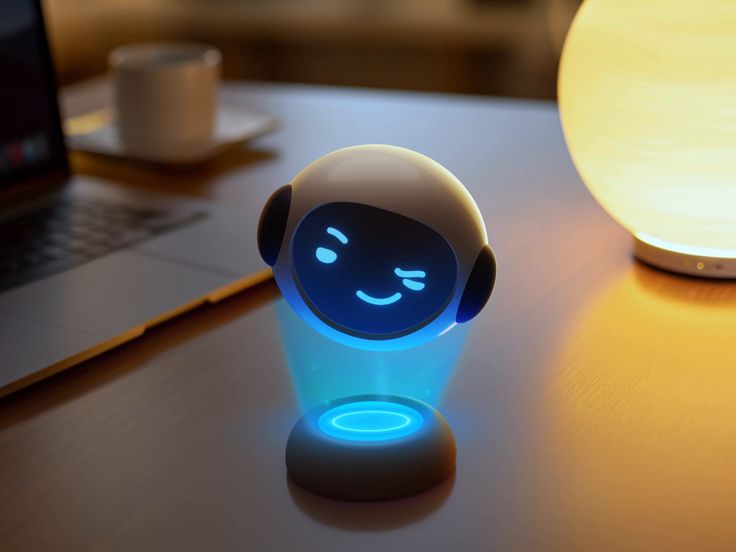
AR Brand Mascot Animation on Pinterest. The compact tech mascot is a useful cue for character systems that fit small, fast-built software products.
Build the System Before You Polish the Moment
Use the mascot to escape template sameness
The UI can stay simple and conventional. The mascot adds distinctiveness in the hero, onboarding, empty state, loading state, and share image. Those moments make the app feel intentionally branded.
Keep implementation developer-friendly
Transparent SVGs, predictable dimensions, and clear file names matter. A mascot should drop into React, Astro, or static pages without requiring a custom art pipeline.
Generate with future prompts in mind
Save the character description, style preset, colors, and first pose references. Fast apps evolve quickly; you will need matching update, error, and launch assets later.
What to Notice in the Pinterest Reference
Use Pinterest as a research board, not as a source to copy. The goal is to notice the design decisions that make a character usable across contexts, then translate those decisions into your own brand system.
- Look for a simple tech-friendly silhouette.
- Notice how a small mascot can carry personality without a full scene.
- Ask how it would render in a tiny app header or share card.
Common Mistakes to Avoid
- Adding generic AI art that looks disconnected from the UI.
- Choosing a complex mascot that slows down future iterations.
- Forgetting dark-mode and transparent-background tests.
Production Checklist
- Create a hero, empty, loading, error, and success pose.
- Export transparent SVG or PNG assets.
- Test on mobile, desktop, light, and dark backgrounds.
- Keep the prompt with the app repository.
How to Measure Whether It Worked
Treat the mascot like a product asset. Once it ships, review whether it improves clarity, recognition, speed, or reuse. The most useful metrics for this article are:
- User recall after first visit
- Share-card engagement
- Time to create new branded screens
- Consistency across shipped updates
Give your fast-built app a recognizable mascot
Use svgapp to create a consistent character pack while you keep building and shipping.
Create Your Mascot