Generate Mascots in Claude Code with the svgapp MCP
Set up the svgapp MCP in Claude Code and generate reusable product mascots, poses, transparent UI assets, and animations from the terminal.

Quick answer
Claude Code can use svgapp as a remote MCP server to generate visual assets while it works in your repository. Connect https://web.svgapp.ai/mcp with your bearer token, then ask Claude to initialize svgapp.conf.json, create a reusable mascot, generate screen-specific poses, and integrate the completed assets into your app.
The endpoint uses Streamable HTTP. A browser GET returns 405 Method Not Allowed because MCP clients communicate with it using authenticated POST requests.
Connect Claude Code to svgapp
Generate an MCP token from Settings → Integrations → MCP in svgapp, then run:
claude mcp add --transport http svgapp https://web.svgapp.ai/mcp \
  --header "Authorization: Bearer YOUR_SVGAPP_MCP_TOKEN"
The default scope is local to the current project. Use --scope user if you want the connection available across projects. For a shared project configuration, use --scope project; keep the actual token in an environment variable rather than committing it.
Verify the connection:
claude mcp list
claude mcp get svgapp
Inside Claude Code, /mcp opens the server status and authentication controls.
Initialize the visual configuration
Start Claude Code in the repository and give it a constrained first task:
Use the svgapp MCP. Before generating anything, check the project root for
svgapp.conf.json and read it when present. If it is missing or invalid, call
init_svgapp_config and save the returned config in the project root.

Inspect the application's colors, typography, border radius, and illustration
style. Recommend a mascot role and three useful UI placements. Do not generate yet.
The config file should contain reusable visual IDs such as artStyleId, colorPaletteId, and activeMascotId. It must never contain the MCP token.
Create the mascot from the terminal
Once the direction is approved, ask Claude to turn it into a reusable character:
Read svgapp.conf.json. Create a color palette from the existing product theme if
the config does not already have a suitable colorPaletteId, then merge the
returned configPatch.

Call create_mascot for an original product guide that fits the app's current UI.
It should use simple geometric forms, remain readable at 64px, have no text or
logos, and work on light and dark surfaces.

Merge configPatch.activeMascotId into svgapp.conf.json. Poll
get_generation_status until completed, then show me the stable asset URL before
editing any component.
Claude can now reuse the saved mascot instead of producing a different character in every session.
Generate poses and integrate them
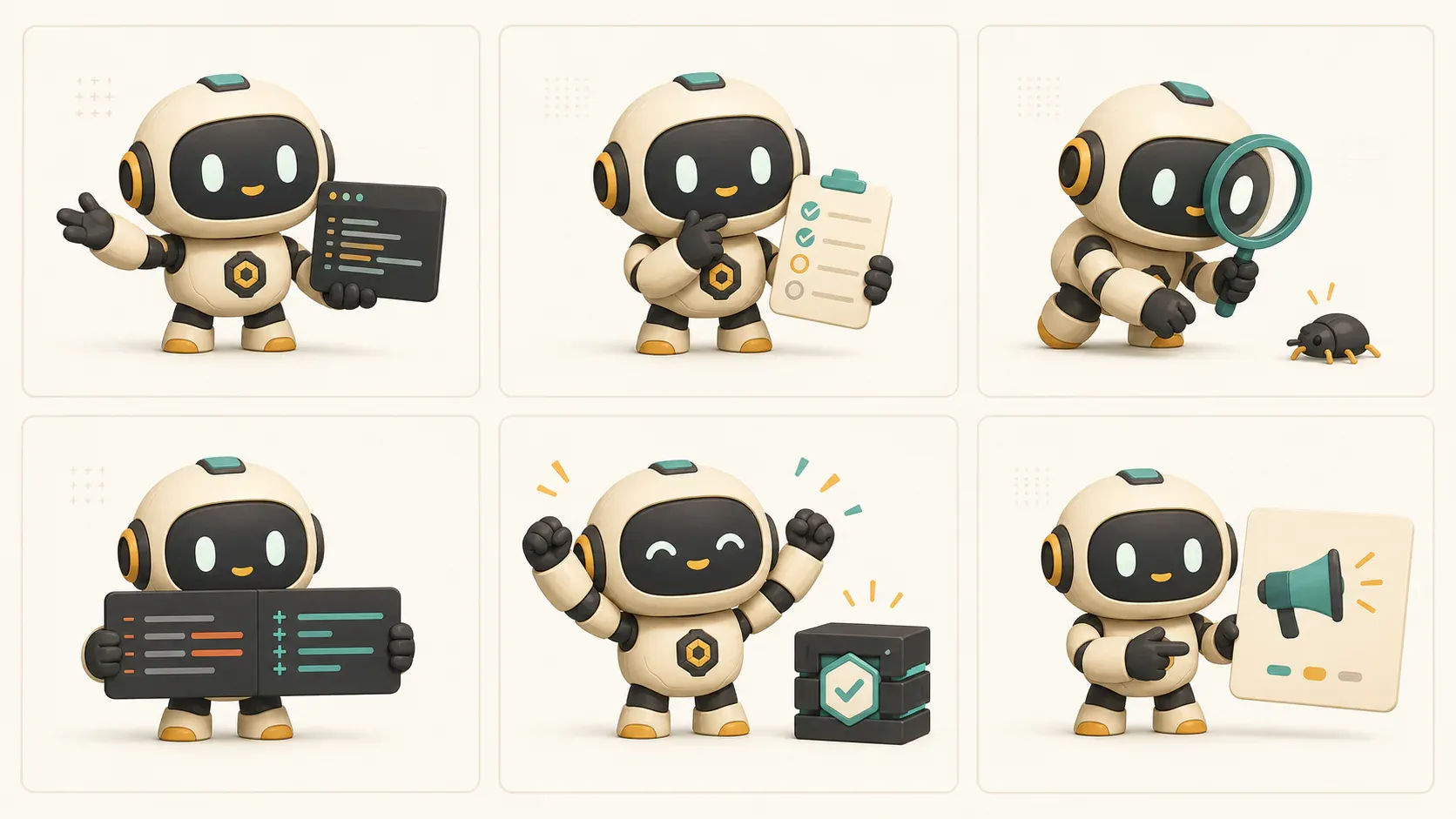
Use generate_mascot_pose whenever the same character should communicate a new state:
Read svgapp.conf.json and use activeMascotId with generate_mascot_pose.

Create an onboarding pose that welcomes the user and points toward the real
primary action. Poll get_generation_status until completed. If the image needs a
transparent background, call remove_image_background and poll that generation.

After I approve the asset, add its stable URL to the onboarding component with
descriptive alt text. Preserve the button label, heading hierarchy, and accessible
status text.
Repeat the workflow for empty, error, loading, success, upgrade, or documentation states. Claude should choose one clear action per pose and avoid decorative details that compete with the interface.
Ask Claude Code for a complete UI asset pass
For a broader pass, keep the work reviewable:
Audit this repository for onboarding, empty, error, success, and help states.
Return a table with the component path, user need, recommended mascot pose, and
whether the asset needs transparency. Do not edit files yet.

After approval, generate one pose at a time from activeMascotId. Poll every job,
show me the result, and only then integrate it into the named component.
This separates product decisions from generation and code changes, which makes the resulting diff easier to review.
Other svgapp MCP tools
list_mascotsrecovers an existing character whenactiveMascotIdis missing.list_recent_generationsfinds a lost generation ID or unfinished asset.generate_compositioncreates a standalone hero, diagram, or feature illustration.create_mascot_animationadds motion to an existing mascot and optional start/end poses.get_generated_assetreturns the stable URL and generation metadata.
All creation tools are asynchronous. Keep the generationId, poll with get_generation_status, and wait for completed before downloading the final file.
Troubleshooting
Claude Code reports 401 Unauthorized
Replace an expired token, confirm the Authorization: Bearer ... header, and inspect the connection with claude mcp get svgapp.
The mascot changes between poses
Claude must read svgapp.conf.json and pass its activeMascotId to generate_mascot_pose. Do not call create_mascot for each state.
Claude edits the UI before the asset is ready
Tell it to poll get_generation_status, show the completed URL, and wait for approval before changing components.
Related setup guides
Create product mascots from Claude Code
Connect the svgapp MCP and generate consistent mascot assets without leaving your terminal workflow.
Open svgapp