Developer Mascot SVGs for AI Coding Tools
How to create reusable developer mascot SVGs for AI coding tools, docs, onboarding, launch posts, and product states without copying another brand.
Quick Answer
A developer mascot SVG is a compact, vendor-neutral character system for software products, AI coding tools, devtools, and technical docs. This guide covers the shared production problem: creating one recognizable character that can work in product screens, documentation, status messages, and launch images.
Core idea: make your own developer mascot instead of copying an existing assistant, logo, or open source project character. The useful asset is a reusable SVG-friendly character with clear poses, transparent export, and enough restraint to fit a technical product.
- Use the mascot in onboarding, empty states, docs, release notes, and social launch graphics.
- Keep the design simple enough to work as an SVG, avatar, and small UI illustration.
- Build a pose set around real developer moments: thinking, debugging, shipping, reviewing, and recovering from errors.
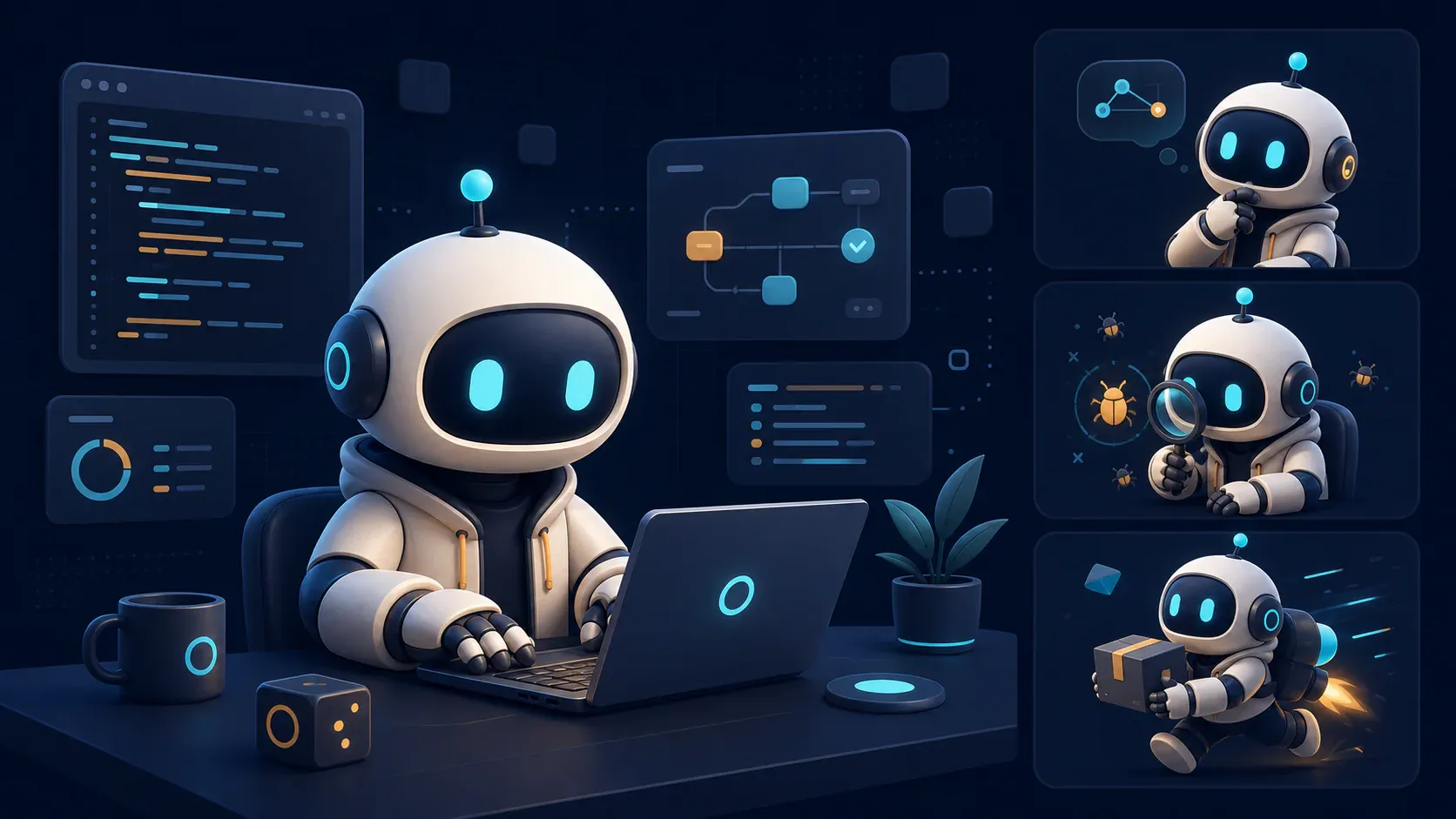
The examples below are intentionally original rather than imitations of a coding assistant’s identity. Use the workflow as context, but build a character with its own silhouette, palette, face, props, and name.
If you want your coding agent to generate these assets for the project it is editing, use the svgapp MCP setup guide for Claude Code, Cursor, or Codex. Each guide shows how to connect the MCP server, preserve mascot continuity in svgapp.conf.json, and generate poses against real interface components.
This page stays at the category level: it covers shared character architecture, reusable pose rules, and SVG production constraints. The dedicated pages translate those foundations into terminal, editor, or agent-lifecycle decisions.
Why developer tools need a different mascot brief
Mascots for developer products have to do more than look friendly. They need to feel competent, calm, and useful next to code, logs, docs, terminals, dashboards, and automation flows. If the character feels too childish, users may not trust it. If it looks too generic, it will disappear into every other AI product launch.
The brief should start with product role, not species or style. A strong developer mascot can act as:
- a build companion for an AI coding product
- a support guide inside docs and troubleshooting pages
- a status character for loading, empty, error, and success states
- a recognizable launch asset for changelogs and social posts
If you are still defining the foundation, start with How to Create a Mascot for Your App. If your main concern is file output, Transparent SVG Mascots covers export and placement checks.
Do not copy an existing AI assistant mascot
It can be tempting to create a recognizable lookalike. That is the wrong move. Your goal is not to recreate Claude, Cursor, GitHub, or any other product identity. Your goal is to create a developer mascot that belongs to your own product.
Use existing tools as context for the audience, not as visual references to copy. A safe brief might say:
Create an original mascot for a developer tool used by engineers who work with AI coding assistants.

The mascot should feel technically fluent, calm, and helpful.
It must not copy the logo, mascot, colors, or character design of Claude, Cursor, GitHub, or any other existing brand.
Use clean SVG-friendly vector shapes, transparent background, no text, and a restrained product UI style.
That constraint protects the brand and usually produces a stronger character. A copied mascot only reminds people of someone else. An original mascot gives your product a face of its own.
Build a small pose set for coding moments
Developer products have recurring emotional states. Build the first mascot pack around those moments instead of generating random expressions.
| Product moment | Useful pose | Where it appears |
|---|---|---|
| First run | waving with a small terminal or checklist | onboarding, welcome screen |
| Planning | thinking, holding notes, inspecting a file | AI planning, task setup, docs |
| Building | working with blocks, brackets, or simple tools | feature pages, launch graphics |
| Debugging | magnifying glass, alert sign, calm confusion | error states, failed builds |
| Review | pointing at a checklist or pull request card | code review, QA, approvals |
| Shipping | celebrating with a deploy badge or rocket-like abstract shape | success screens, changelogs |
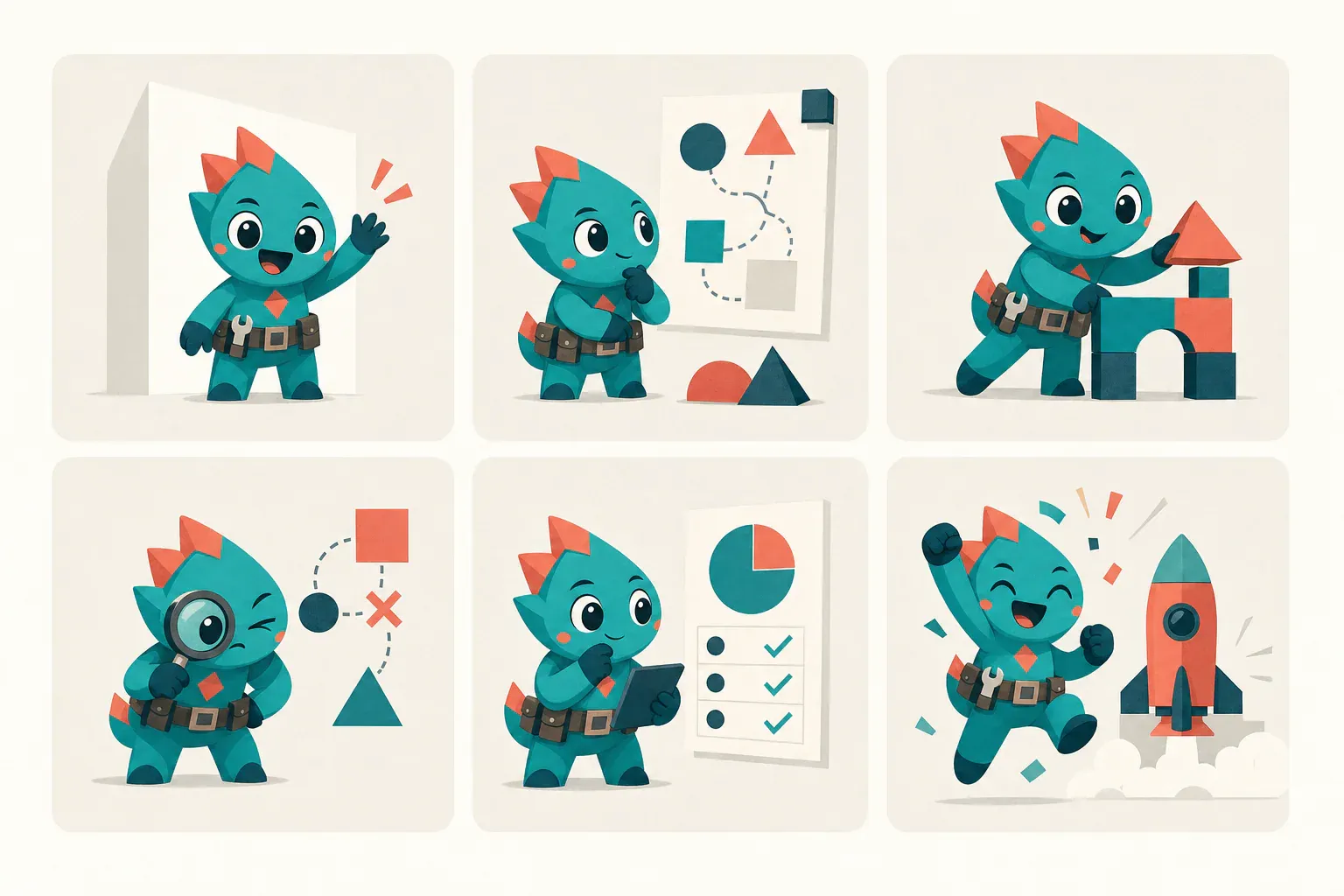
This set works because each pose maps to a recognizable product moment while the silhouette, palette, face, and proportions stay fixed. Treat those stable traits as design tokens: approve them once, then vary only the action, expression, and prop.
Keep props symbolic. Tiny code snippets, real logos, terminal text, and dense UI screenshots often make the SVG harder to reuse. A clean bracket, cursor shape, checklist, or abstract build block is usually enough.
SVG requirements for developer mascots
Developer mascots often live in product UI, so production constraints matter early. A mascot that only works as a large hero illustration will be frustrating inside docs, sidebars, empty states, and changelog cards.
Use these checks before you accept a design:
- The character has a transparent background.
- The silhouette reads at avatar size.
- Details are simple enough for SVG or SVG-like export.
- The pose works on light, dark, and tinted surfaces.
- The asset has safe padding and does not rely on a fixed scene.
- File names describe the mascot, pose, and destination.
For a deeper system, use Mascot Creator Toolkit to define the brief, prompt blocks, pose list, and handoff notes before creating dozens of assets.
Prompt structure for a developer mascot SVG
The fastest way to keep a developer mascot consistent is to separate the stable character identity from the changing product moment.
Character block
Original developer tool mascot, compact full-body character, calm and technically fluent, simple geometric shape language, expressive eyes, limited brand palette, clean vector-friendly forms, transparent background, no text, no copied brand marks.Pose block
Pose: debugging a failed build. The mascot holds a small magnifying glass and points toward an abstract error card. Keep the expression calm and helpful, not panicked.Export block
Output should be SVG-friendly: strong silhouette, limited tiny details, no gradients that require a fixed background, safe padding, transparent background, works at small UI sizes.You can reuse the character block for each pose and swap only the pose block. That makes the mascot feel like a system instead of a collection of unrelated images.
For a reusable identity block, negative constraints, and production-ready pose templates, continue with the Mascot Prompt Guide.
Where to use the mascot in an AI coding product
Start with surfaces where the mascot helps users understand state or remember the product.
- Empty repo or first project screen: welcome pose.
- AI planning state: thinking pose.
- Failed command or broken setup: calm debugging pose.
- Successful deploy or generated PR: shipping pose.
- Docs home page: guide pose.
- Changelog and launch posts: announcement pose.
If your product is an AI-built app rather than a developer tool, Mascots for Vibe Coders is a better adjacent guide. If you need a browsable set of starting assets, explore the SVG asset library.
Developer mascot FAQ
Should a developer mascot be an animal, robot, or abstract character?
Any of those can work. The better question is whether the character feels credible beside your product UI. Developer tools usually benefit from simple shapes, calm expressions, and restrained props.
Can I make a mascot for Claude Code, Cursor, or Codex workflows?
You can make an original mascot for people who use those workflows, but you should not copy another product’s mascot, logo, palette, interface, or distinctive brand system. Treat a named tool as workflow context—not as source material or a claim that the result is official.
Is SVG better than PNG for developer mascots?
SVG is usually better for product UI because it stays crisp, scales cleanly, and can be easier to place in docs and app screens. Keep transparent PNG fallbacks for social posts, email tools, and platforms that do not handle SVG well.
An “SVG-friendly” prompt does not guarantee an SVG file. Check the actual export format: a raster preview is still PNG or WebP until the artwork is vectorized or exported as valid SVG.
How many poses should the first developer mascot pack include?
Start with six: welcome, thinking, building, debugging, review, and shipping. That covers most onboarding, docs, status, and launch moments without overbuilding the asset library.
Production checklist
- Write a one-paragraph role brief for the developer mascot.
- Add a clear “do not copy existing brands” constraint.
- Create the base character before action poses.
- Generate six coding-specific poses.
- Test SVG readability at avatar, empty-state, and hero sizes.
- Save prompt blocks and export notes next to the assets.
Create an original mascot for your developer tool
Use svgapp to generate consistent SVG-friendly mascot poses for onboarding, docs, debugging states, and launch assets.
Create Your Mascot